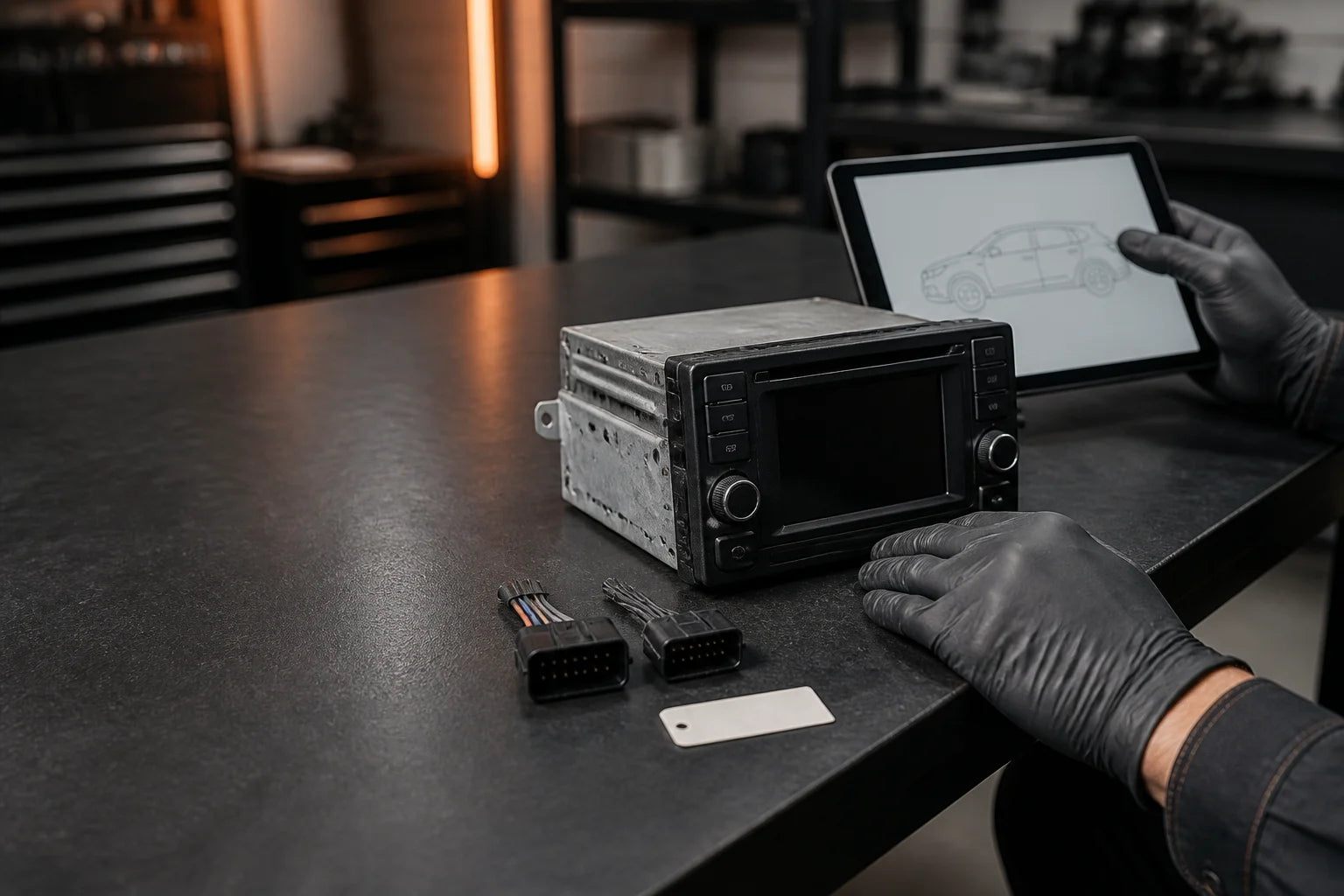
Build a better part match
Use a VIN, OEM number or vehicle details to narrow the search, then confirm the physical match before ordering.
- Start with identifiersVIN, OEM number or vehicle details.
- Confirm before checkoutConnectors, position, options and programming.
VIN lookup only; notes stay in this browser.
3. Photograph the original
Capture these four views before removal so you can compare the candidate part.
- 1Full installed viewShow the component in place and its surroundings.
- 2Label and numberCapture clear, readable images of every label.
- 3Connectors and pinsShow each plug, latch style and visible pin condition.
- 4Mounts and included piecesDocument attachment points, brackets and nearby hardware.